- Updated
Beast Appearance video prompt
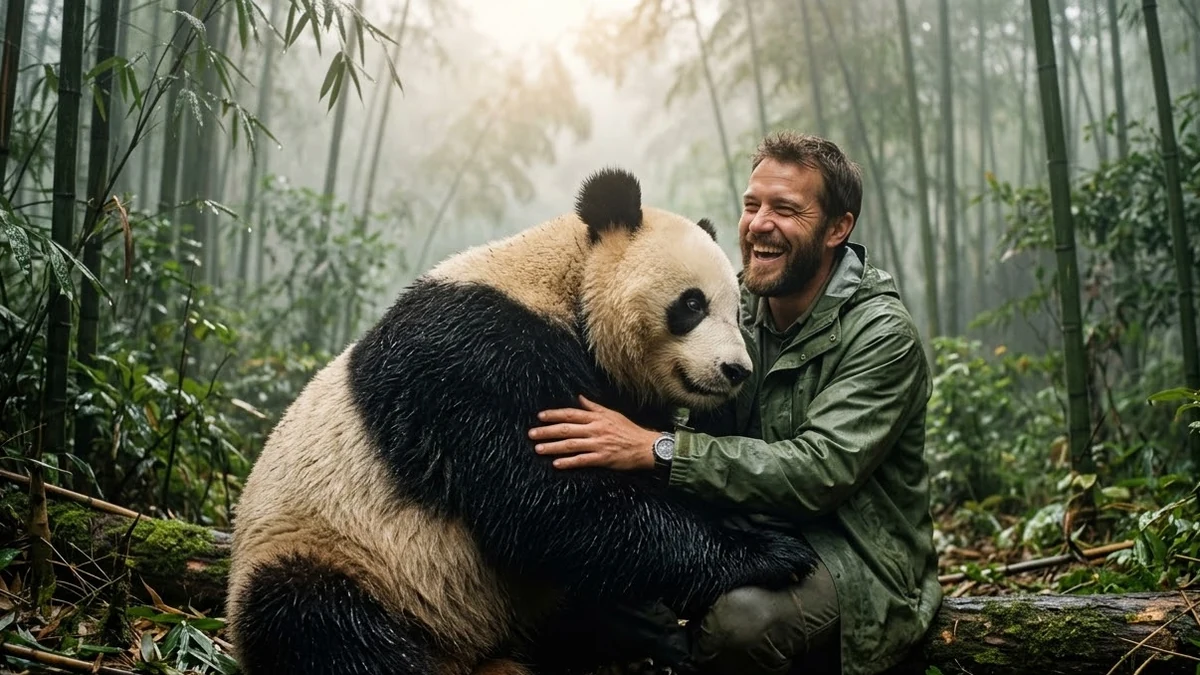
Beast Appearance adds a large animal next to a person. Higgsfield's example uses a panda. This prompt is written so you can swap the animal for a lion, elephant or your own pet, and it asks for a friendly, calm mood.
Beast appearance, 9:16, 6 seconds. A large, friendly [ANIMAL, e.g. giant panda] walks into the frame from the side and sits down beside the person in this photo, leaning gently toward them. The person turns, laughs and pats it. Realistic fur, soft shadows on the ground, natural light. The person's face and clothes stay the same. Handheld feel, no text.
Some “open” links are affiliate links: if you sign up through them we may earn a commission, at no extra cost to you.
Name the animal and say "friendly and calm", so the model keeps the mood safe. Swap the panda for an elephant, tiger or pet of your choice.
Get a better result
A six-second handheld-feel clip where a large friendly animal walks in from the side and sits beside you, leaning gently towards you while you turn, laugh and pat it, in natural light.
The animal looks threatening.
Fix: Say “friendly and calm”, as the tip says, with a relaxed body and gentle eyes.
- The animal’s size looks wrong next to you. State it:“as tall as a standing adult when sitting”, and keep it beside you, not on top.
- The fur looks plastic. Ask for “realistic fur, soft shadows on the ground, natural light”.
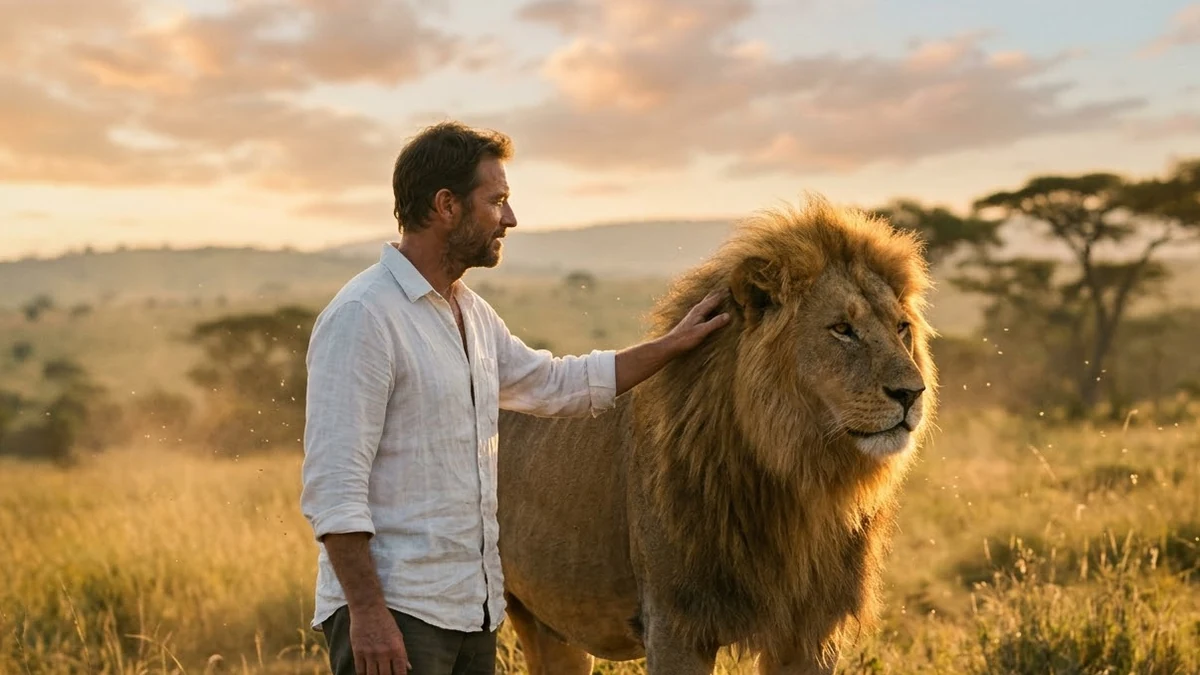
Replace it with an elephant, tiger or your own pet, as the tip suggests, and keep the calm, friendly mood.
Keep the panda. Slow the walk and add a moment where the animal gently rests its head against my shoulder.
More video generation prompts
See all 489 →
More like this
- Oni Mask video promptHiggsfield · Kling
- Attack of Clones video promptHiggsfield · Kling · Veo
- Aquarium video promptHiggsfield · Kling · Veo
- Flying Cam transition promptHiggsfield · Kling
- Turn to chrome, then melt promptHiggsfield · Kling · Veo