Free tool · runs in your browser
Festival greeting card with your name
Pick a festival, type your names and get a greeting card to download or send on WhatsApp. Add your own photo, choose Hindi, Tamil and more, or copy a ready-made wish. Free, no sign-up.
Make your card
The card is a JPG, 1080 pixels wide: 4:5 for posts, 9:16 for WhatsApp status, Instagram and YouTube stories. The link opens the same card with your names for whoever you send it to.
Make it with AI: prompts with your names in
Pick your festival
Each festival has its own page with the date, a card in its colours and wishes you can copy in English and the regional languages. Dates are checked for the 2026-27 season.
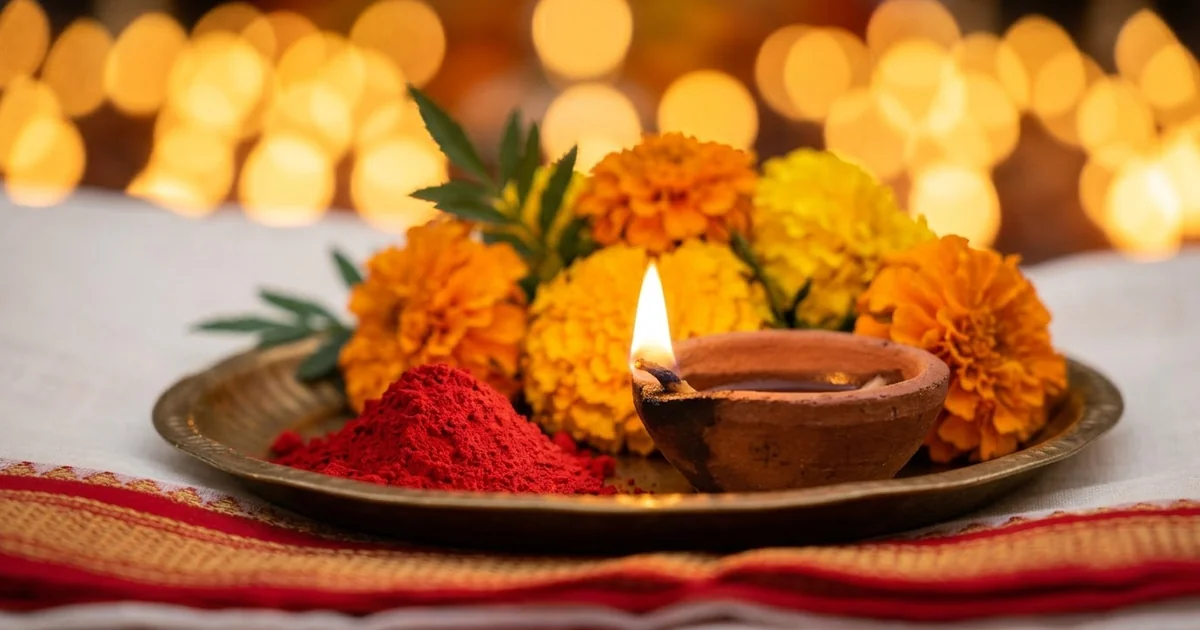 Dussehra cardTuesday 20 October 2026
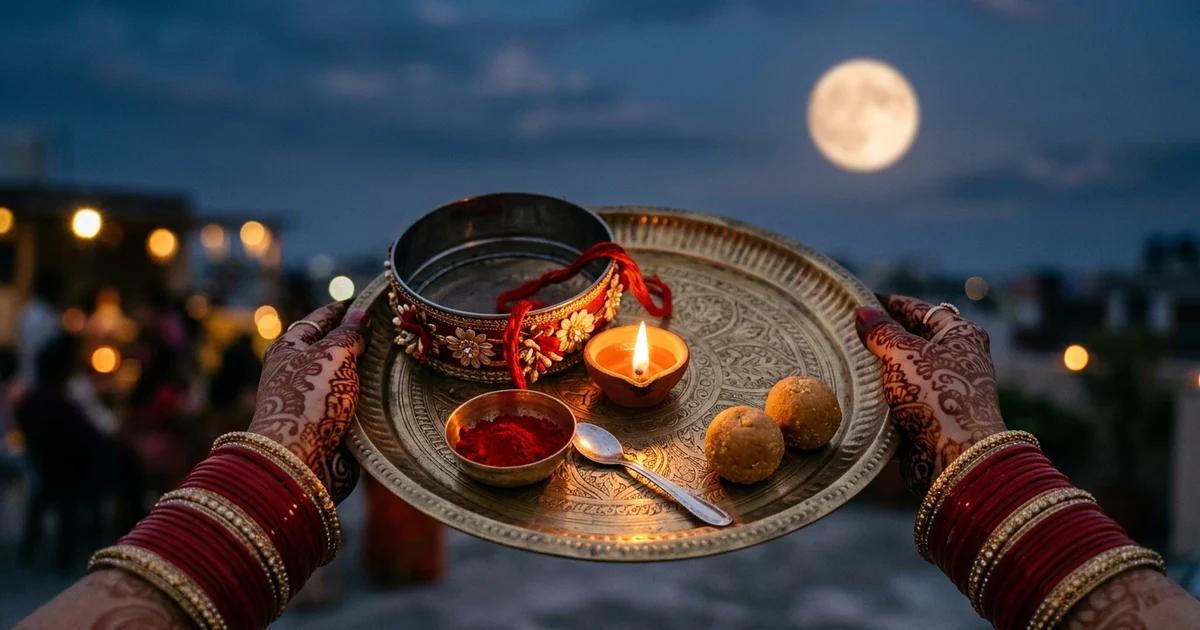 Karwa Chauth cardThursday 29 October 2026
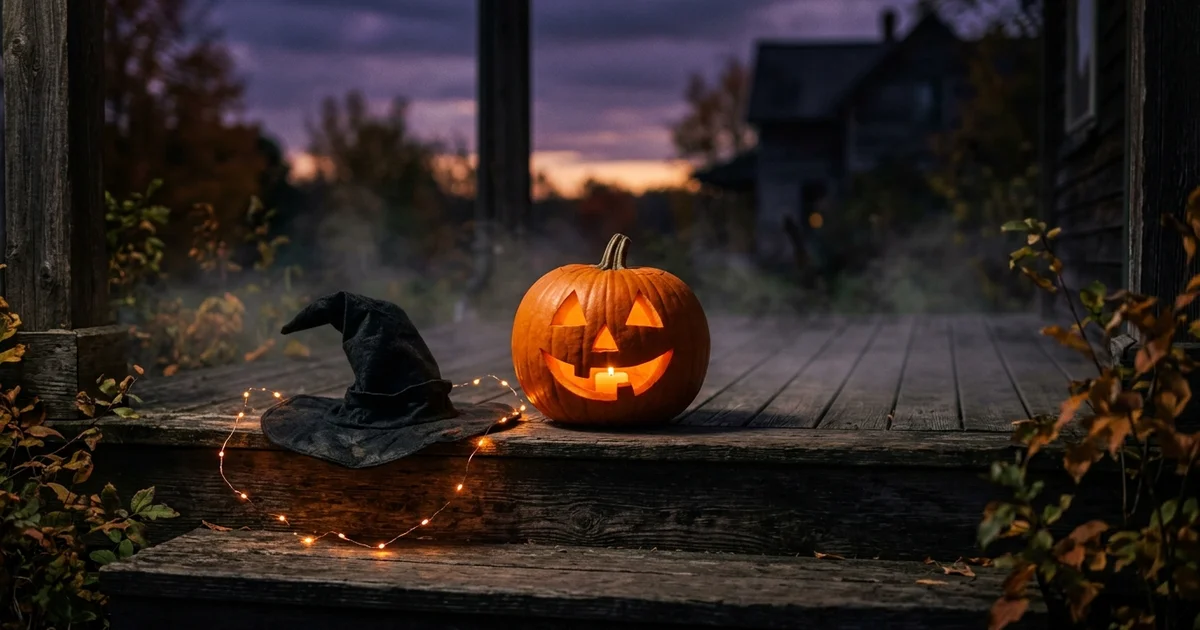 Halloween cardSaturday 31 October 2026
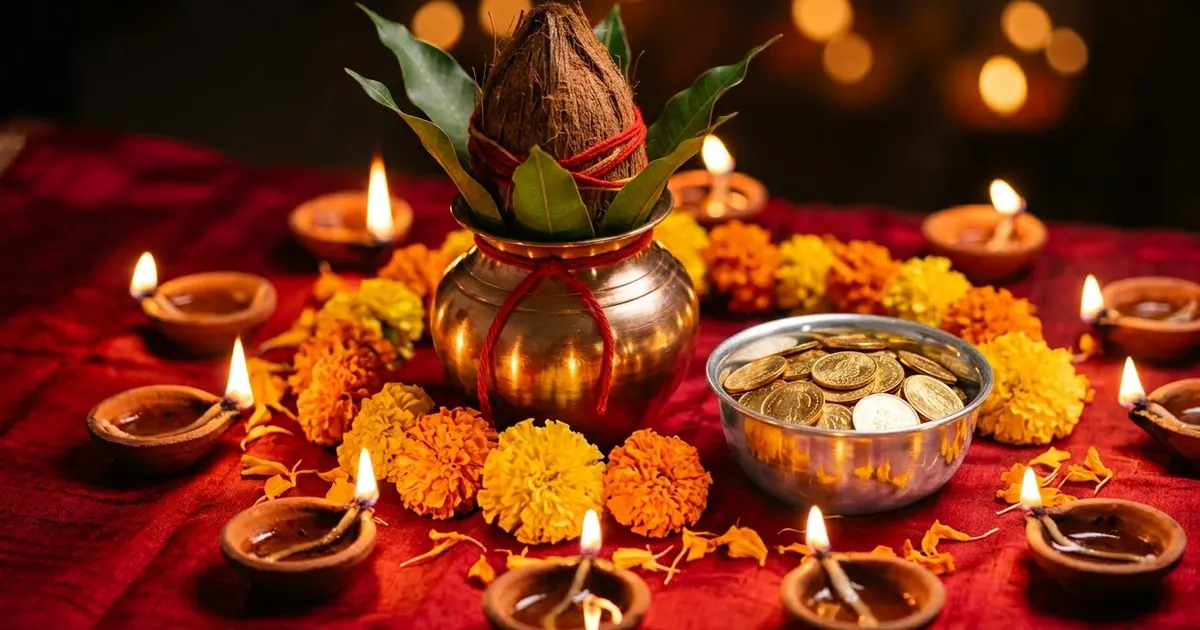 Dhanteras cardFriday 6 November 2026
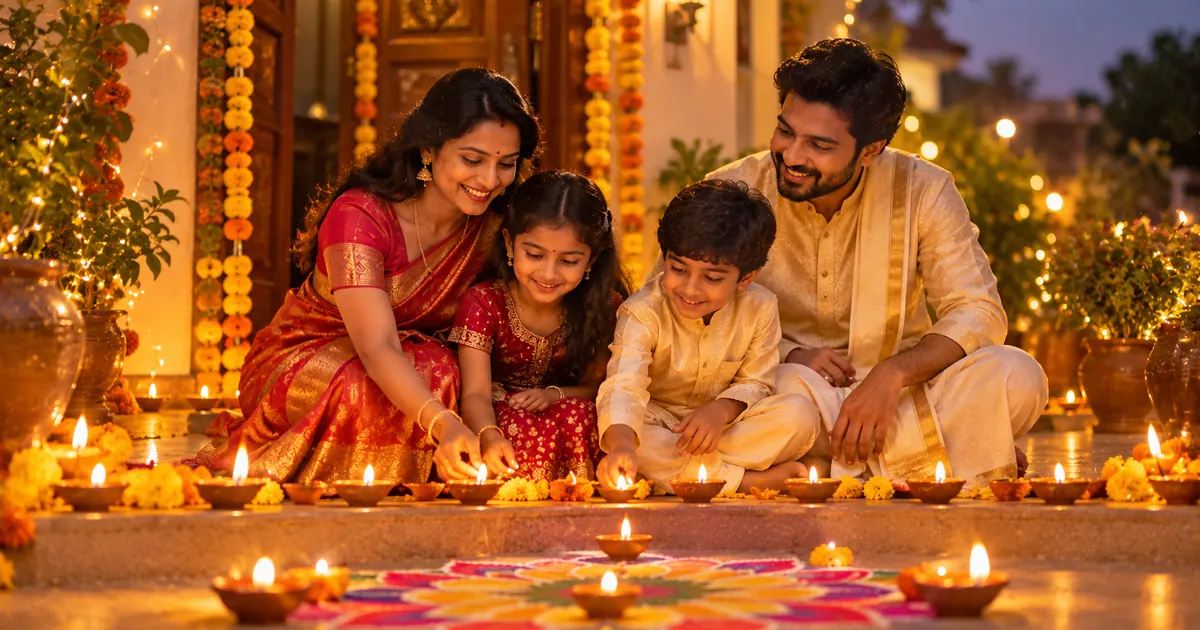 Diwali cardSunday 8 November 2026
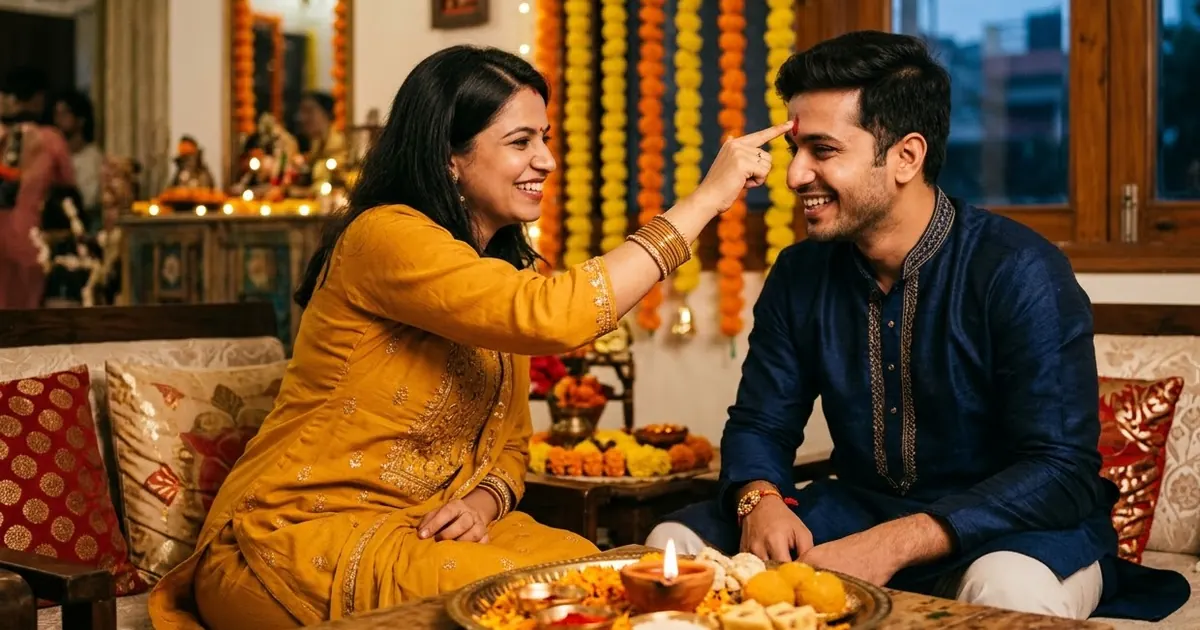 Bhai Dooj cardWednesday 11 November 2026Chhath PujaChhath Puja cardSunday 15 November 2026Guru Nanak JayantiGuru Nanak Jayanti cardTuesday 24 November 2026
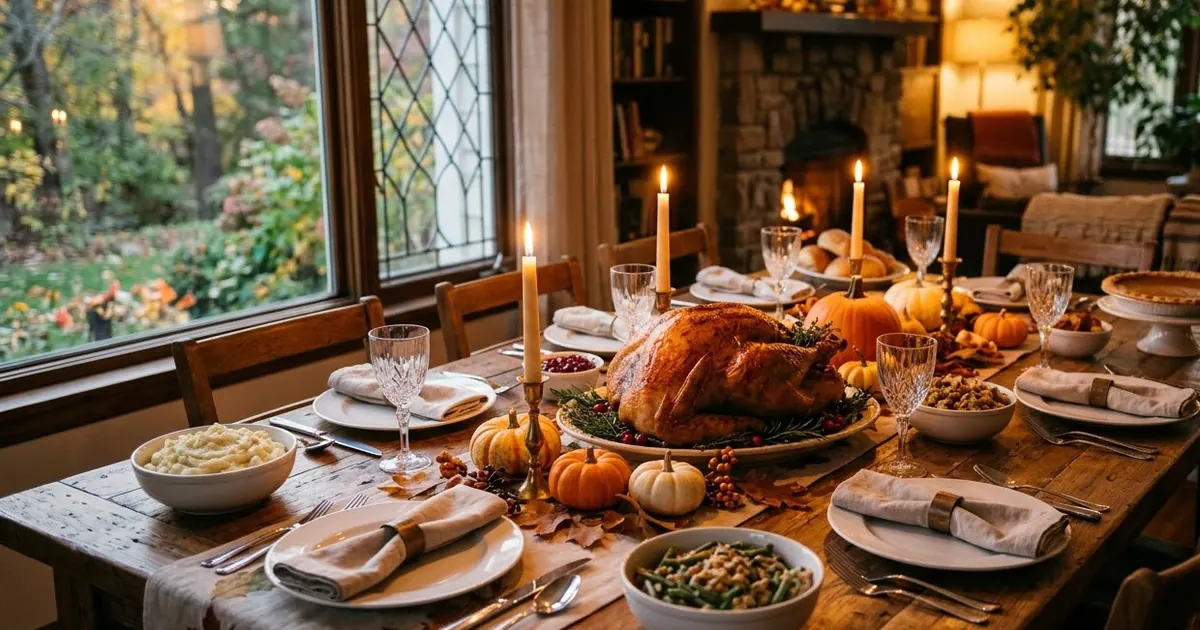 Thanksgiving cardThursday 26 November 2026
 Christmas cardFriday 25 December 2026
 New Year cardFriday 1 January 2027
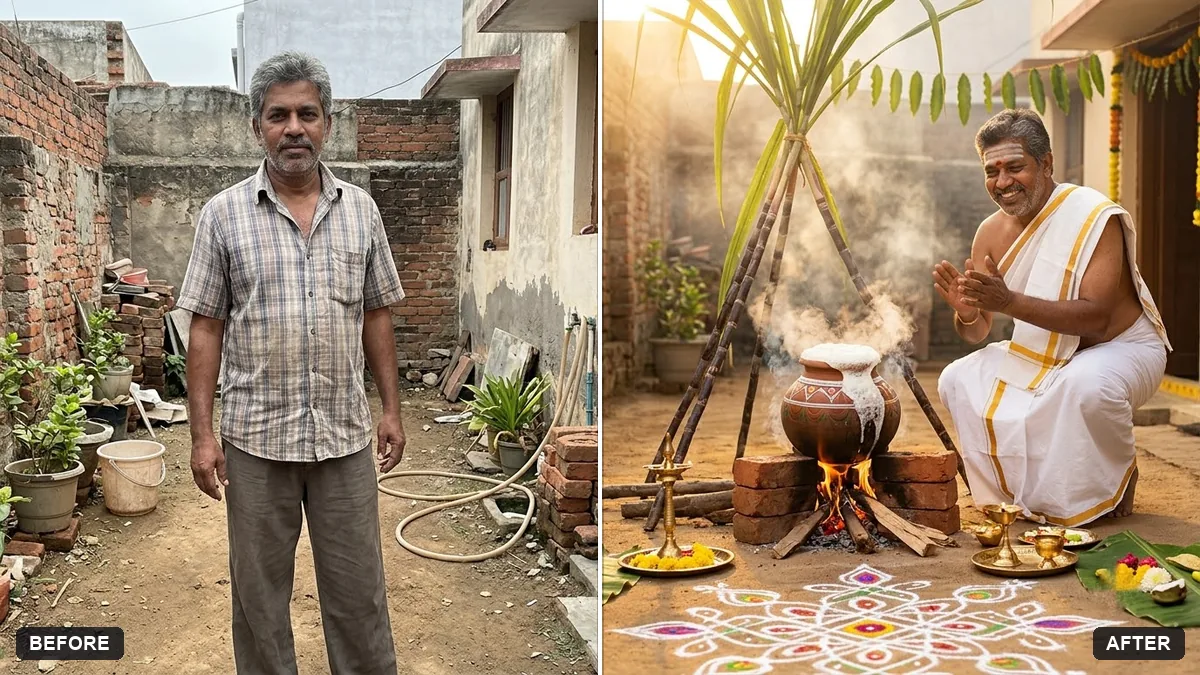 Pongal cardThursday 14 or Friday 15 January 2027
Need a greeting poster for a shop or office instead? See the festival greeting poster prompts, or browse AI festival photo prompts for portraits.
How to make a festival card with your name
- Pick the festival. The list shows the next festivals and how many days are left.
- Type your names. Add the name of who it is for, your family name if the card is from the whole family, and pick the greeting language.
- Choose a design. Use the festival picture, add your own photo in a round frame, or pick the Mandala design. Pick Post, Story or Square for the size.
- Download or share. On a phone, Share card sends the picture straight to WhatsApp. On a computer, Download card saves it.
Tips for a card people keep
- Keep your message short. The message box takes up to 140 characters, and one warm line reads better on a phone than three.
- Use the “Send to” box. A card that opens with the person’s name, such as Mummy or Team, feels made for them rather than forwarded.
- Match the size to where it goes. Story (9:16) fills a WhatsApp status, Post (4:5) suits a chat or an Instagram feed, and Square fits almost anywhere.
- Pick the greeting language for the reader. The greeting is drawn into the picture, so it shows correctly even on a phone that has no font for that script.
- For the photo design, use a bright photo with your face in the upper middle. The round frame crops it to a circle, so anything near the edges is cut off.
Questions, answered
Which festivals does the card maker cover?
Dussehra, Karwa Chauth, Halloween, Dhanteras, Diwali, Bhai Dooj, Chhath Puja, Guru Nanak Jayanti, Thanksgiving, Christmas, New Year, Pongal. Each has its own page with the date, wishes you can copy and a card in that festival's colours.
Can I make a card in Hindi, Tamil or another Indian language?
Yes. For the main festivals you can pick the greeting in Hindi, Tamil, Marathi, Gujarati, Bengali, Telugu, Kannada, Malayalam or Punjabi, and the card is drawn with the greeting in that script.
Is the card maker free?
Yes. It is free, needs no sign-up and adds no watermark, only a small "usepromptup.com" line at the bottom of the card.
Are my names or photo sent anywhere?
No. The card is drawn in your browser and saved straight to your device. The names you type and the photo you add never leave your phone or computer, and PromptUp does not store them.
Can I put my own photo on the card?
Yes. Pick the Your photo design and add a picture from your gallery. It is shown in a round frame on the card. For an AI-made festival portrait, copy one of the prompts on this page and use it in Gemini or ChatGPT with your photo.
How do I send the card on WhatsApp?
On a phone, tap Share card and choose WhatsApp to send the picture. On a computer, download the card and attach it. Send on WhatsApp sends a text wish with a link that opens the same card with your names.