Free tool · No sign-up · Runs in your browser
Free Claude prompt generator
Describe your task in one line and get a clear, structured prompt for Claude: a role, the context to fill in, the format you want and the rules to follow. Copy it, fill in the blanks and paste it into Claude.
It is free, instant and private. The prompt is built in your browser from PromptUp's library of tested prompts.
Try:summarise this contract for me before I sign itfeedback on my essay draftexplain this code to a beginner
From one line to a full prompt
One line becomes a prompt with a role, the context to fill in, a clear output format and rules. Claude follows that kind of structure closely.
You type
summarise this contract for me before I sign it
You get
Act as a world-class expert in this topic.

Task: Summarise this contract for me before I sign it.

Context:
- Background: [WHAT I ALREADY KNOW OR HAVE]
- Goal: [WHAT I WANT TO ACHIEVE]
- Audience: [WHO THIS IS FOR]

Output format: Use clear headings and short bullet points. End with a short summary of the key takeaways.

Rules: Clear, specific and practical. No filler. If you are unsure about a fact, say so instead of guessing.

Before you start, ask me up to 3 short questions if any important detail is missing. Otherwise, go straight to the answer.
How the Claude prompt generator works
- Type your idea in your own words, the way you would say it.
- PromptUp picks the mode (photo edit, image, video or text) and builds the prompt from its library of 1,635 tested prompts and a set of rules.
- Fill in the [BRACKETED] parts with your own details, then copy the prompt.
- Paste it into Claude and run it. Use "New variation" for a different wording.
Nothing is sent to a server. The generator runs entirely in your browser, so it is instant and private.
What makes a Claude prompt work
- Be direct about the task. Claude does what the prompt says. State the job, the audience and the outcome plainly instead of hinting.
- Separate the material from the instructions. Paste a document or notes under a clear label such as "Document:" so Claude does not mix it up with what you are asking.
- Explain why. A reason ("this goes to a senior client") helps Claude choose tone and detail better than a rule alone.
- Show the format. If you want bullets, a table or a certain length, say so, or paste a short example of the style you like.
- Iterate in the same chat. Reply with "shorter", "more formal" or "add a closing line". Claude keeps the context, so small follow-ups beat rewriting the whole prompt.
Make it Claude-ready: document first, question last
Claude does its best work on long material. Anthropic's own advice is to put the document at the top inside tags and the instructions after it, and to ask for the exact quotes the answer relies on. Here is the same generated prompt, set up that way.
<contract>
[PASTE THE FULL CONTRACT HERE]
</contract>

Act as a world-class expert in this topic.

Task: Summarise the contract above for me before I sign it.

Context:
- Background: [WHAT I ALREADY KNOW OR HAVE]
- Goal: [WHAT I WANT TO ACHIEVE]
- Audience: [WHO THIS IS FOR]

Output format: Use clear headings and short bullet points. End with a short summary of the key takeaways.

Rules: Clear, specific and practical. No filler. If you are unsure about a fact, say so instead of guessing.

Before you start, ask me up to 3 short questions if any important detail is missing. Otherwise, go straight to the answer.

First copy the clauses your summary relies on into <quotes> tags, then write the summary using only those quotes.
Claude features that change the prompt
- Long documents. Paste or upload the whole report, contract or chapter instead of an extract. Claude reads all of it before it answers.
- Tags. Wrap each pasted piece in its own tag, such as <resume> and <job_ad>, so two inputs never blend together.
- Projects and styles. Keep background files and instructions in a project so every chat starts with them, and pick a style (for example concise) instead of repeating tone rules.
- No pictures. Claude reads images and PDFs but does not make images. For photos, use the Gemini or AI photo editing generator.
If the result is wrong
- It quotes something that is not in the document. Keep the "copy the clauses into <quotes> tags first" line, and tell it to say "not in the document" when it cannot find something.
- It mixes up two documents. Give each its own tag and refer to the tag names in the question.
- The answer is too long. Give the length and the reason, such as "one screen, because I will read it on my phone".
Or start from a finished Claude prompt
 Trending
Research a company before your interviewChatGPT · Gemini · Claude
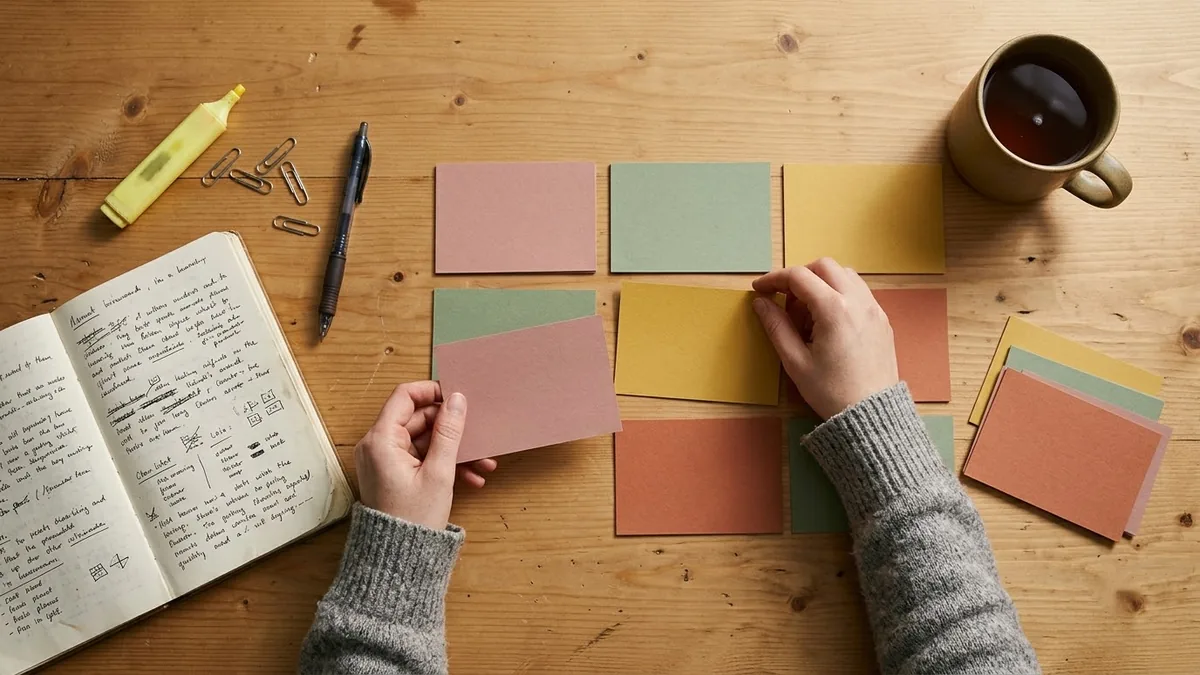 Turn your notes into flashcardsChatGPT · Gemini · Claude
 Proofread without changing your voiceChatGPT · Gemini · Claude
 Rewrite an angry email (firm but calm)ChatGPT · Gemini · Claude
 Write unit tests for your codeClaude · ChatGPT · Gemini
 Write an SQL query from plain EnglishClaude · ChatGPT · Gemini
 Turn meeting notes into minutesChatGPT · Gemini · Claude
 Write a weekly status report for your managerChatGPT · Gemini · Claude
Questions, answered
Is this Claude prompt generator free?
Yes. It is free, has no sign-up and no limit. You need access to Claude to run the prompt.
Is it made by Anthropic?
No. PromptUp is an independent site and is not affiliated with Anthropic. The prompts follow general prompting practice and work well in Claude.
Can I use it for coding prompts?
The generator is built for writing, study and work tasks. For coding agents, see the Claude Code prompts page, which has briefs and CLAUDE.md templates.
What does the generated prompt contain?
A role, the task, a short context block with [BRACKETED] fields for your details, the output format, rules for tone and length, and an instruction to ask if anything important is missing.
Does my idea leave my browser?
No. Everything runs on your device and PromptUp never sees what you type.
Ready to build yours?
Type one line and get the full prompt in a second.