Video prompt
Cinematic 360° product reveal
Cinematic 360° product reveal: a free, copy-paste prompt for Veo and Kling. Paste the prompt and fill in any [BRACKETED] fields to generate your clip.
The prompt
Cinematic product reveal of [PRODUCT, e.g. black wireless earbuds in a matte case] on a dark reflective surface.

The camera slowly orbits 360° as a thin light strip sweeps across it, revealing texture and edges; the case opens at the end to show the earbuds. Wisps of smoke, sharp focus, a premium commercial look.

A deep ambient hum and a soft "click" when it opens. 16:9, 8 seconds.
Pro tip: Upload a real photo of your product as the first frame so the details stay accurate.
How to use this prompt
- Open Veo.
- Paste the prompt and fill in the [BRACKETED] fields. Add a starting image if the tool supports it.
- Set the aspect ratio and length in the tool.
- Generate two or three takes and adjust one detail at a time.
Prompt at a glance
- Category
- Video
- Works with
- Veo 3.1 · Kling 3.0
- Length
- 68 words
- Fields to fill in
- PRODUCT
- Last updated
Frequently asked questions
Which AI tools work with this prompt?
It is written for Veo and Kling. Paste it into your preferred tool and adjust the wording if the result is off.
What do I need to fill in?
Replace the field before you send it: PRODUCT. Each field shows an example in the prompt.
Why does the result differ between video models?
Each model interprets camera moves, motion and audio differently. Keep the prompt, regenerate a few times and change one detail at a time.
More video generation prompts
 Video · TrendingAI street interview (vox pop)Veo 3.1 · Kling 3.0
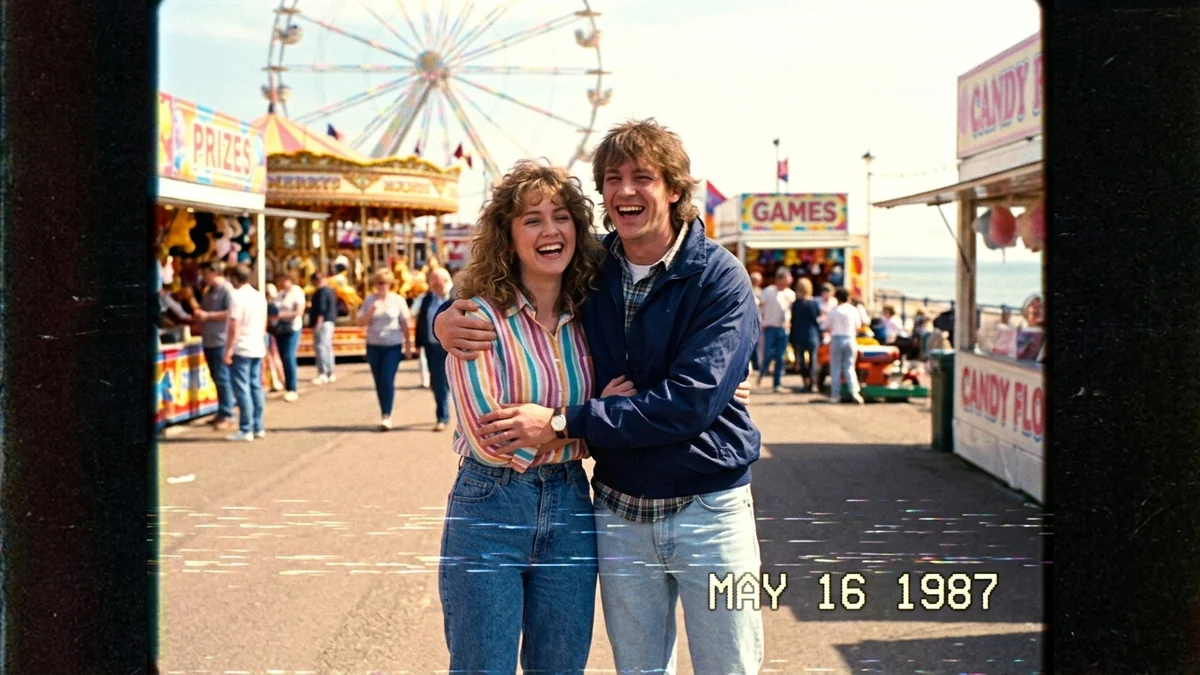 Video · TrendingA Day in 1987 (VHS home video)Seedance 2.0 · Veo 3.1 · Kling 3.0
 Video · TrendingEarth zoom-out from where you standSeedance 2.0 · Veo 3.1 · Kling 3.0
 Video · TrendingAesthetic Day-in-the-Life vlogVeo 3.1 · Kling 3.0 · Seedance 2.0