Video prompt
Turn a still photo into a timelapse
Turn a still photo into a timelapse: a free, copy-paste prompt for Kling, Veo and Seedance. Paste the prompt and fill in any [BRACKETED] fields to generate your clip.
The prompt
Turn this photo of [SCENE] into a timelapse: clouds race across the sky, light changes from [START LIGHT, e.g. afternoon] to [END LIGHT, e.g. golden sunset], shadows slowly stretch, lights turn on in the windows. Locked camera, keep the buildings and landscape exactly the same, 6 seconds.
Pro tip: Pick a scene with a clear sky and buildings for the best effect.
How to use this prompt
- Open Kling.
- Paste the prompt and fill in the [BRACKETED] fields. Add a starting image if the tool supports it.
- Set the aspect ratio and length in the tool.
- Generate two or three takes and adjust one detail at a time.
Prompt at a glance
- Category
- Video
- Works with
- Kling 3.0 · Veo 3.1 · Seedance 2.0
- Length
- 47 words
- Fields to fill in
- SCENE, START LIGHT, END LIGHT
- Last updated
Frequently asked questions
Which AI tools work with this prompt?
It is written for Kling, Veo and Seedance. Paste it into your preferred tool and adjust the wording if the result is off.
What do I need to fill in?
Replace these fields before you send it: SCENE, START LIGHT, END LIGHT. Each field shows an example in the prompt.
Why does the result differ between video models?
Each model interprets camera moves, motion and audio differently. Keep the prompt, regenerate a few times and change one detail at a time.
More video generation prompts
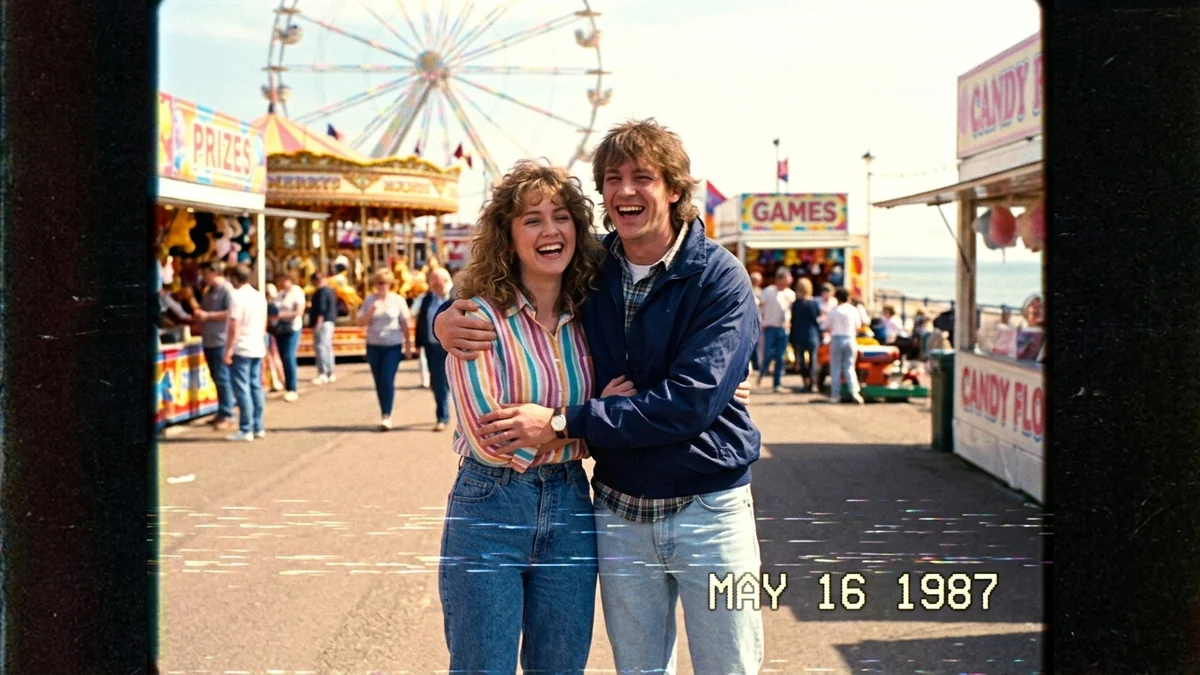 Video · TrendingA Day in 1987 (VHS home video)Seedance 2.0 · Veo 3.1 · Kling 3.0
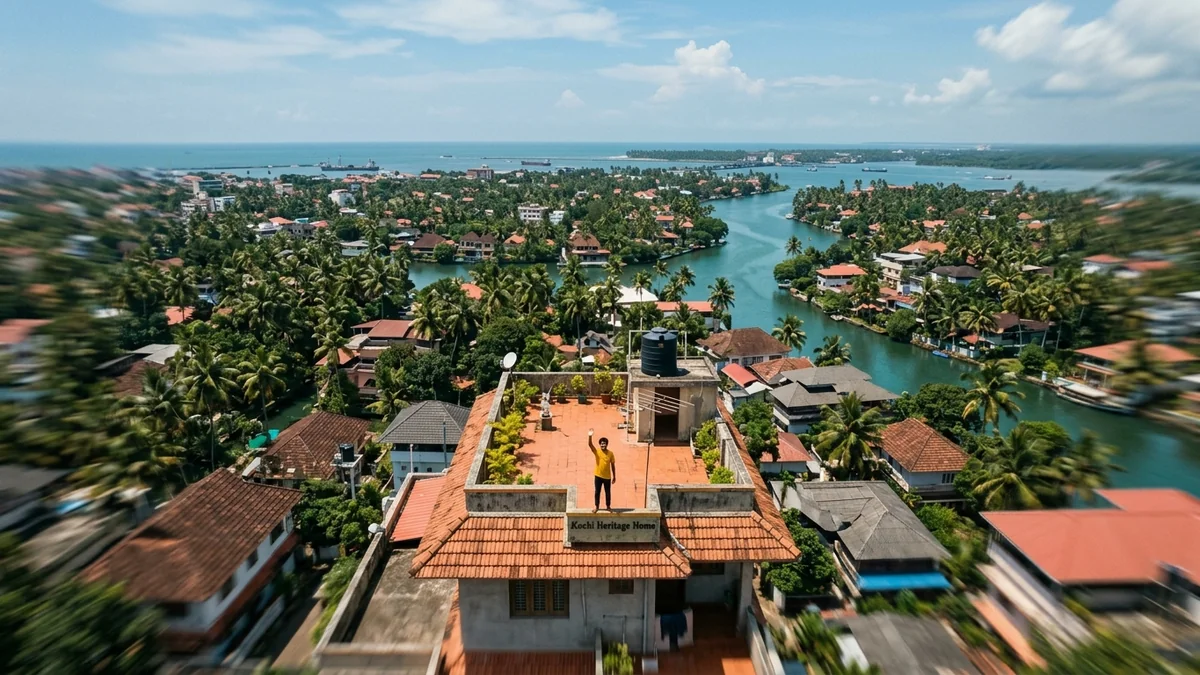 Video · TrendingEarth zoom-out from where you standSeedance 2.0 · Veo 3.1 · Kling 3.0
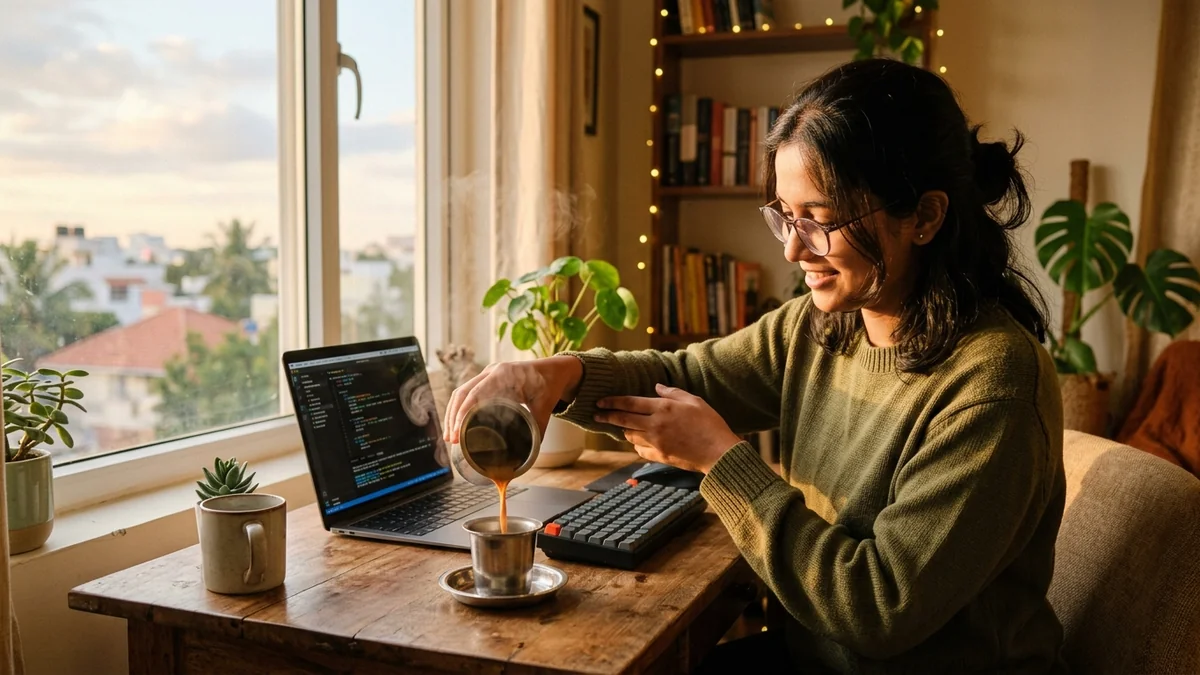 Video · TrendingAesthetic Day-in-the-Life vlogVeo 3.1 · Kling 3.0 · Seedance 2.0
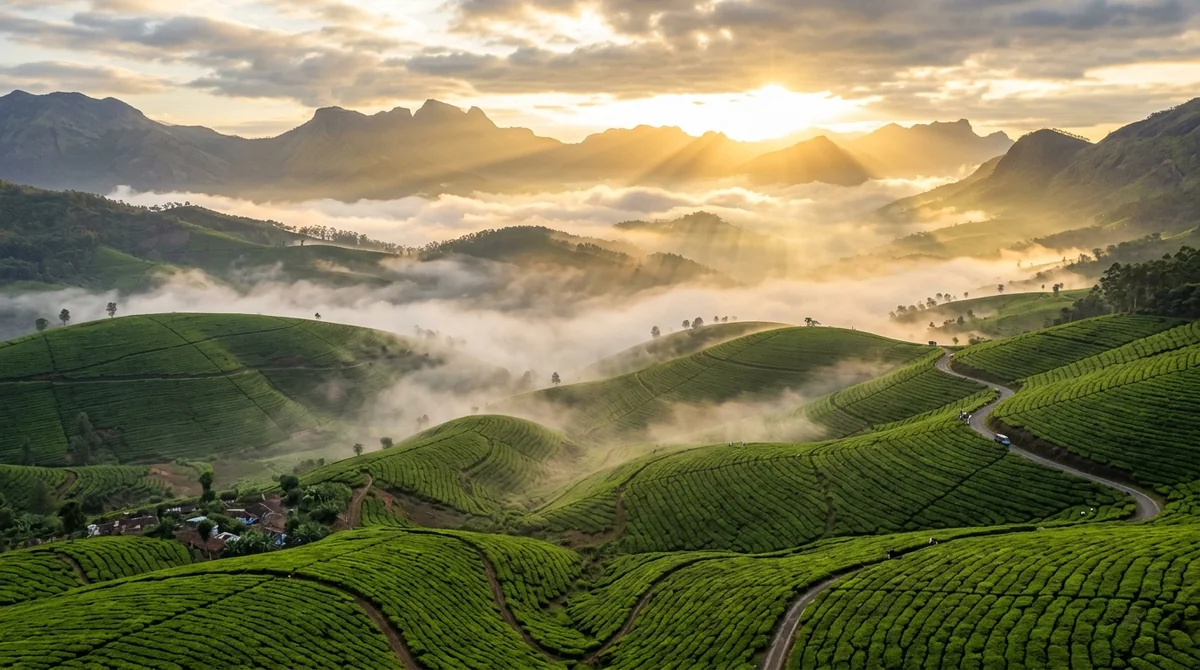 VideoDrone shot over mountains at sunriseVeo · Kling · Seedance