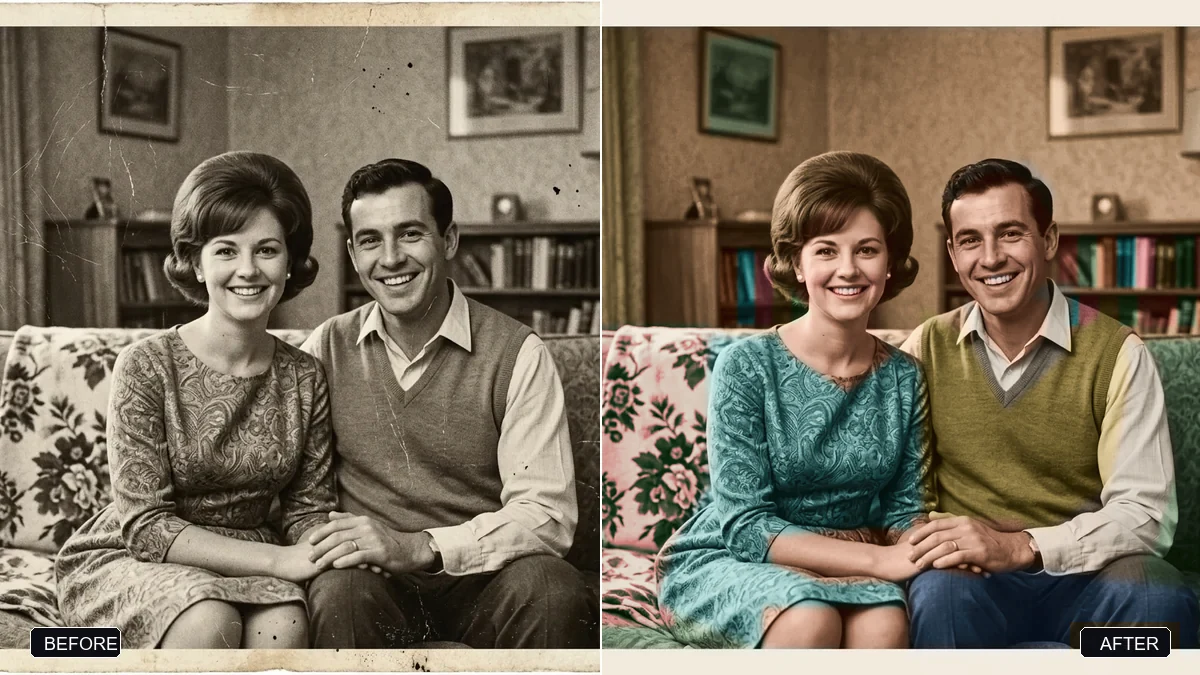
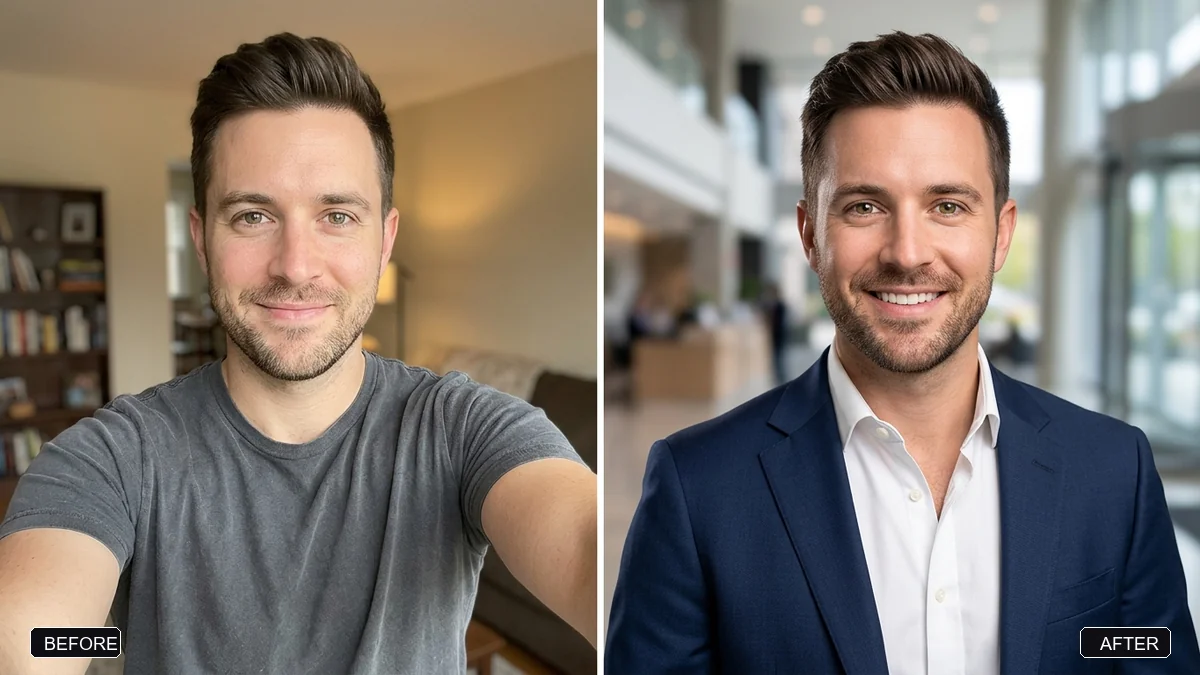
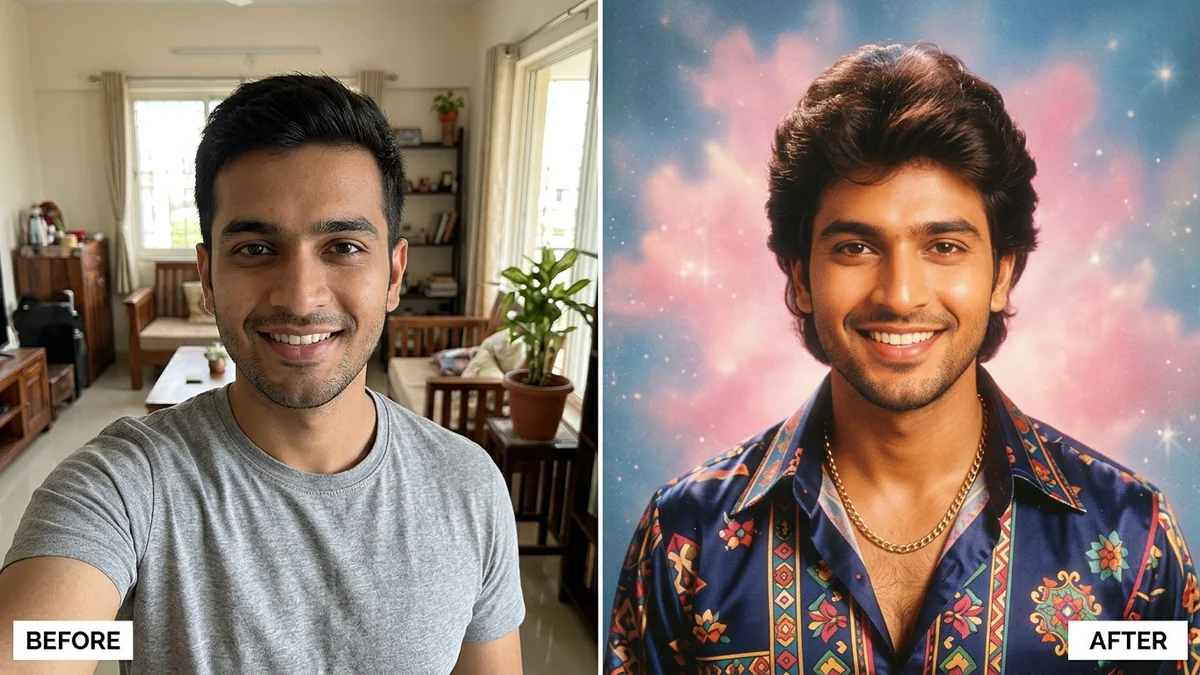
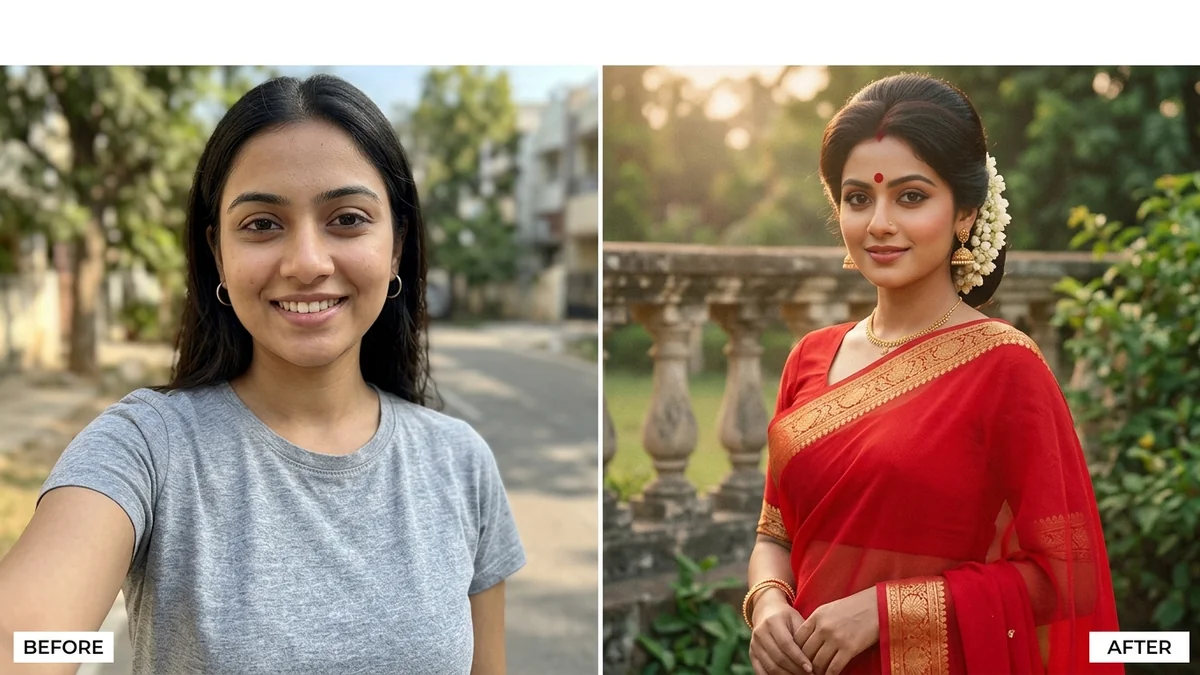
Photo edit prompt
Victorian era portrait
Victorian era portrait: a free, copy-paste prompt for Gemini and ChatGPT. Upload your photo, paste the prompt, and fill in any [BRACKETED] fields.
The prompt
Turn this photo into a Victorian-era studio portrait. Keep my face and features unchanged.

Period clothing: [e.g. high-collared dress with brooch / waistcoat and pocket watch]. Formal seated pose, plain painted backdrop, slightly stern expression, soft sepia tones, aged albumen print texture, small scratches and a hand-written caption at the bottom.
Pro tip: Ask for "no smile" if you want the authentic serious look.
How to use this prompt
- Open Gemini and start a new chat.
- Upload your photo (a clear, front-facing one works best).
- Paste the prompt and replace any [BRACKETED] fields with your own details.
- Send it. If something is off, regenerate or change one detail at a time.
Prompt at a glance
- Category
- Photo edit
- Works with
- Gemini · ChatGPT
- Length
- 51 words
- Fields to fill in
- None. Paste and go.
- Last updated
Frequently asked questions
Which AI tools work with this prompt?
It is written for Gemini and ChatGPT. Both can edit a photo you upload.
Will the AI change my face?
The prompt tells the AI to keep faces and identities the same, but results vary between runs. If a face drifts, regenerate or reply "keep the face identical to the original".
Is my photo uploaded to PromptUp?
No. PromptUp only gives you the text of the prompt. You upload your photo directly to the AI tool you choose, under that tool's own privacy terms.