Photo edit prompt
Autumn leaves portrait
Autumn leaves portrait: a free, copy-paste prompt for Gemini and ChatGPT. Upload your photo, paste the prompt, and fill in any [BRACKETED] fields.
The prompt
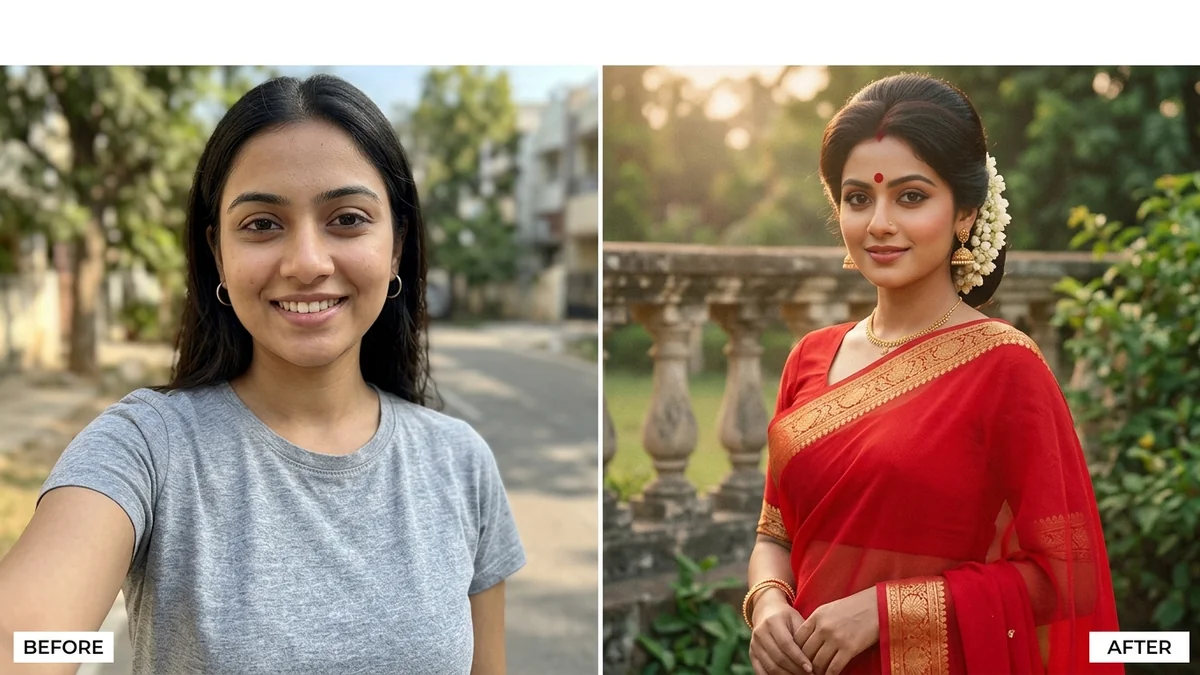
Place me in a park lined with autumn trees, with orange and red leaves falling around me. Keep my face, body and clothing exactly the same.

Add a cosy [SCARF COLOUR] scarf, soft golden light, gentle bokeh of leaves in the background, a warm smile, natural and inviting tones.
Pro tip: Keep the outfit in earthy colours for a harmonious result.
How to use this prompt
- Open Gemini and start a new chat.
- Upload your photo (a clear, front-facing one works best).
- Paste the prompt and replace any [BRACKETED] fields with your own details.
- Send it. If something is off, regenerate or change one detail at a time.
Prompt at a glance
- Category
- Photo edit
- Works with
- Gemini · ChatGPT
- Length
- 49 words
- Fields to fill in
- SCARF COLOUR
- Last updated
Frequently asked questions
Which AI tools work with this prompt?
It is written for Gemini and ChatGPT. Both can edit a photo you upload.
What do I need to fill in?
Replace the field before you send it: SCARF COLOUR. Each field shows an example in the prompt.
Will the AI change my face?
The prompt tells the AI to keep faces and identities the same, but results vary between runs. If a face drifts, regenerate or reply "keep the face identical to the original".
Is my photo uploaded to PromptUp?
No. PromptUp only gives you the text of the prompt. You upload your photo directly to the AI tool you choose, under that tool's own privacy terms.