Collection · 7 prompts
Old photo restoration and enhancement prompts
AI can repair scratches, tears and fading, add believable colour to black-and-white pictures and sharpen soft focus. The key is telling the AI to stay faithful to the original faces instead of inventing new ones.
Scan or photograph the print flat in good light without glare, upload it to Gemini or ChatGPT, and paste the prompt that matches the problem. Short, specific prompts usually beat long ones.
Last updated
All 7 prompts
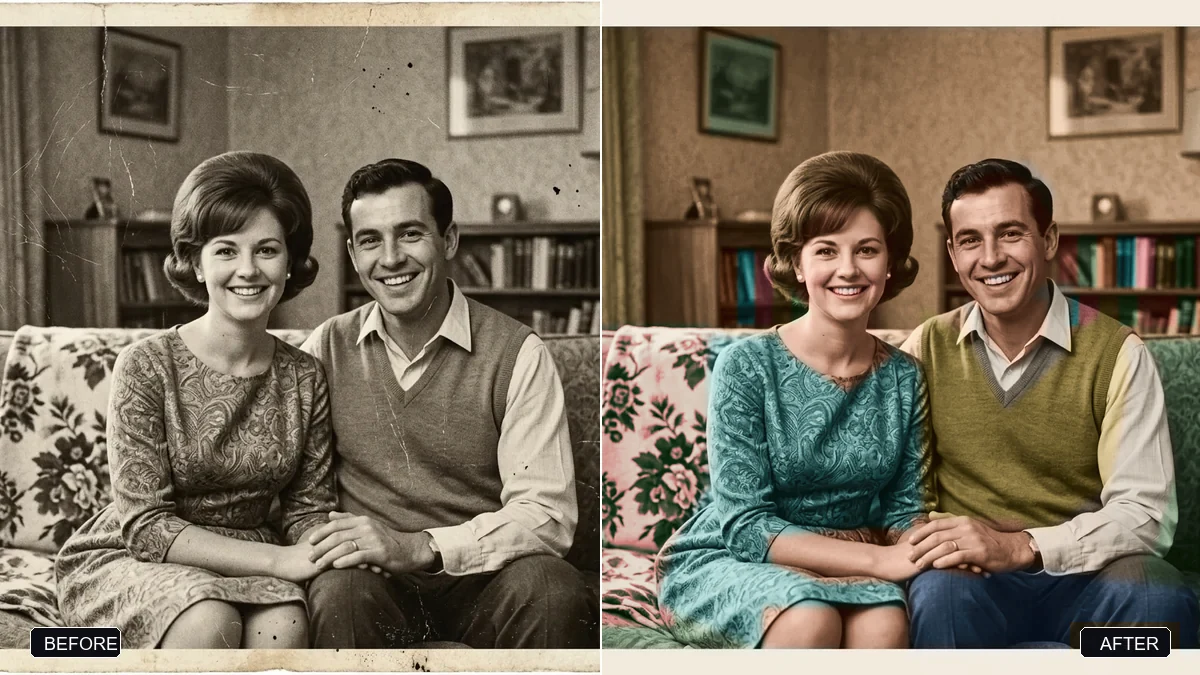 Photo edit · TrendingRestore an old, damaged family photoGemini · ChatGPT
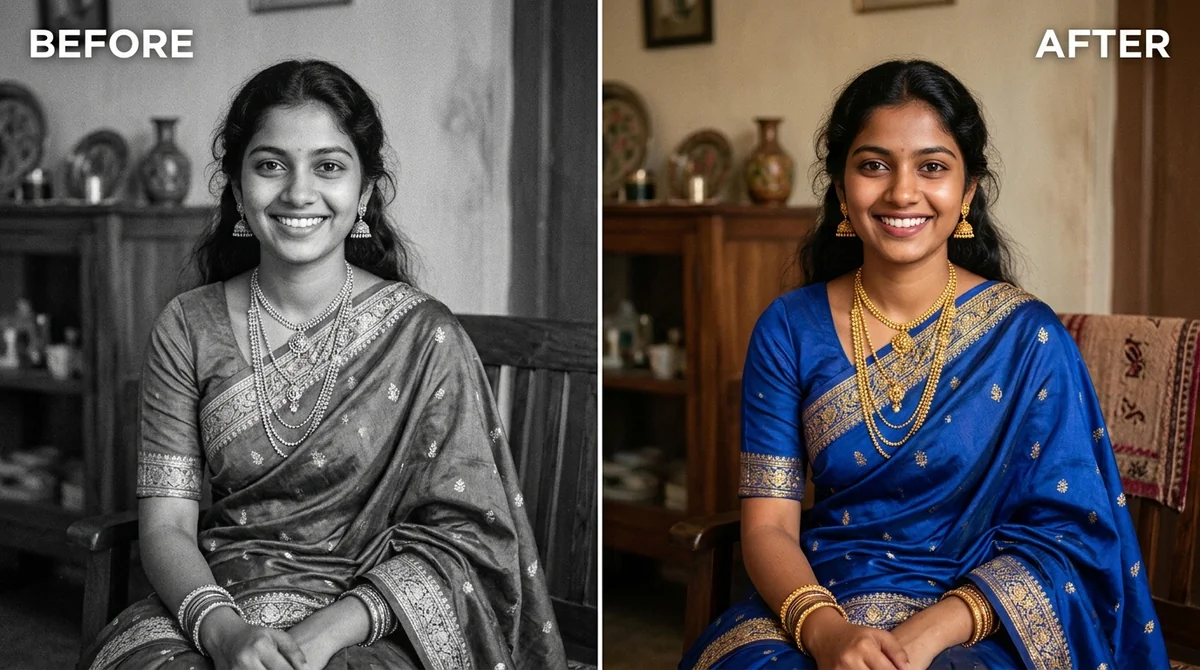 Photo editColourize a black & white photoGemini · ChatGPT
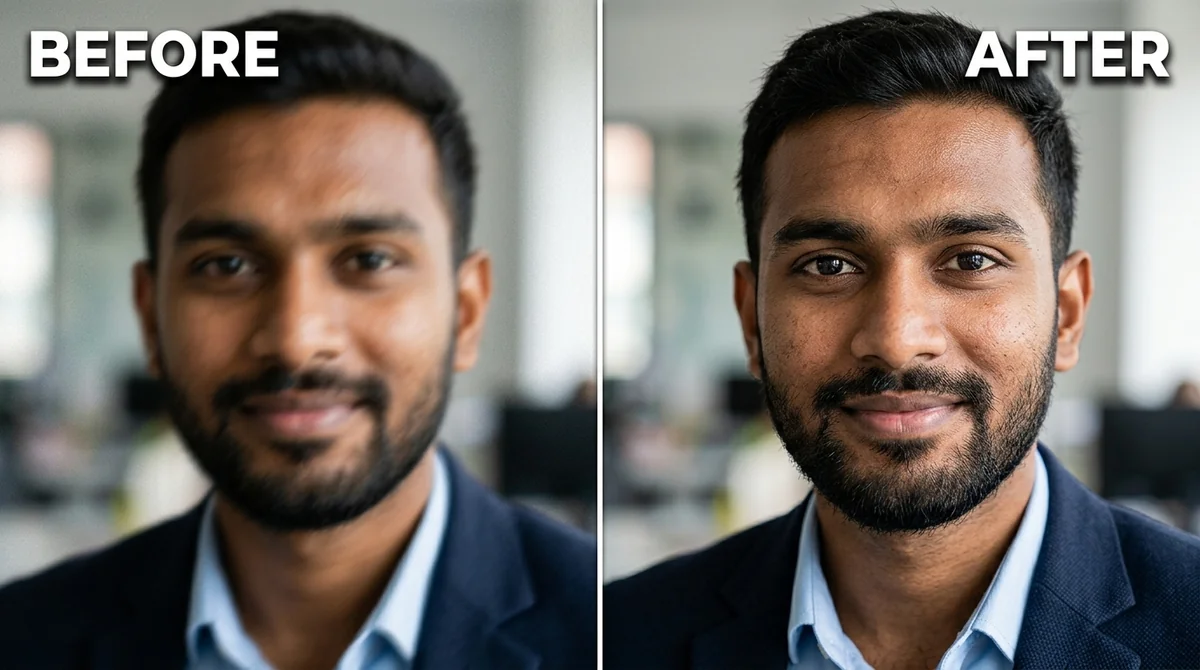 Photo editFix a blurry photo (Sharp & crisp)Gemini · ChatGPT
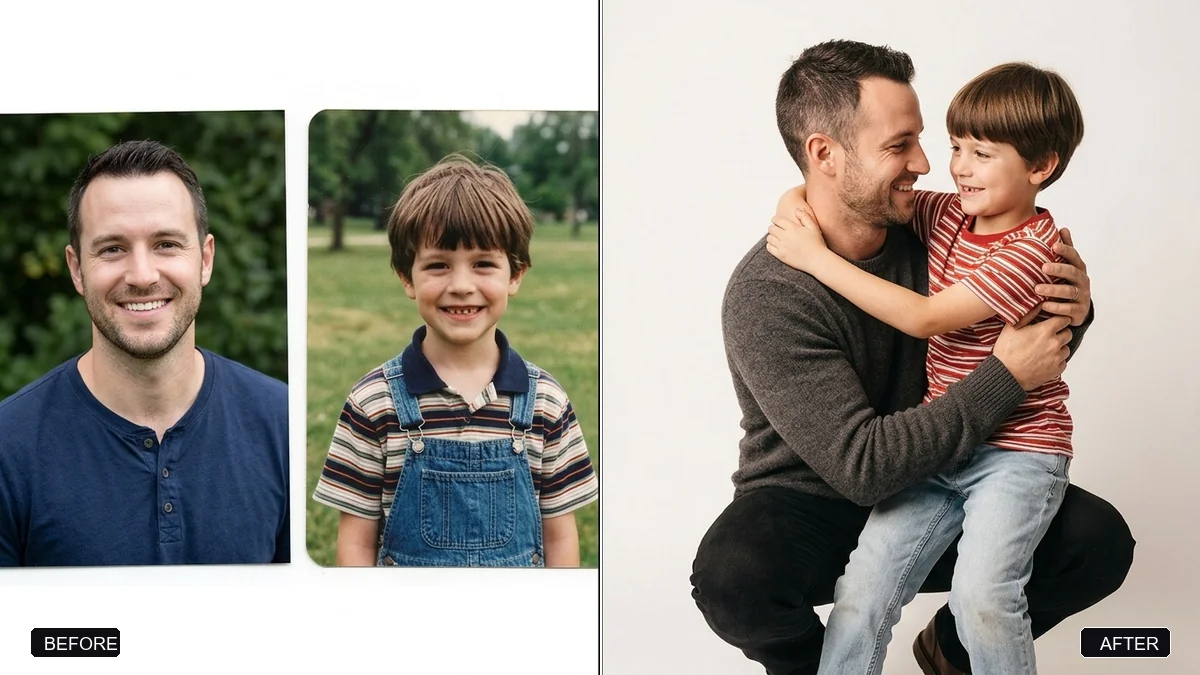 Photo editHug your younger selfGemini · ChatGPT
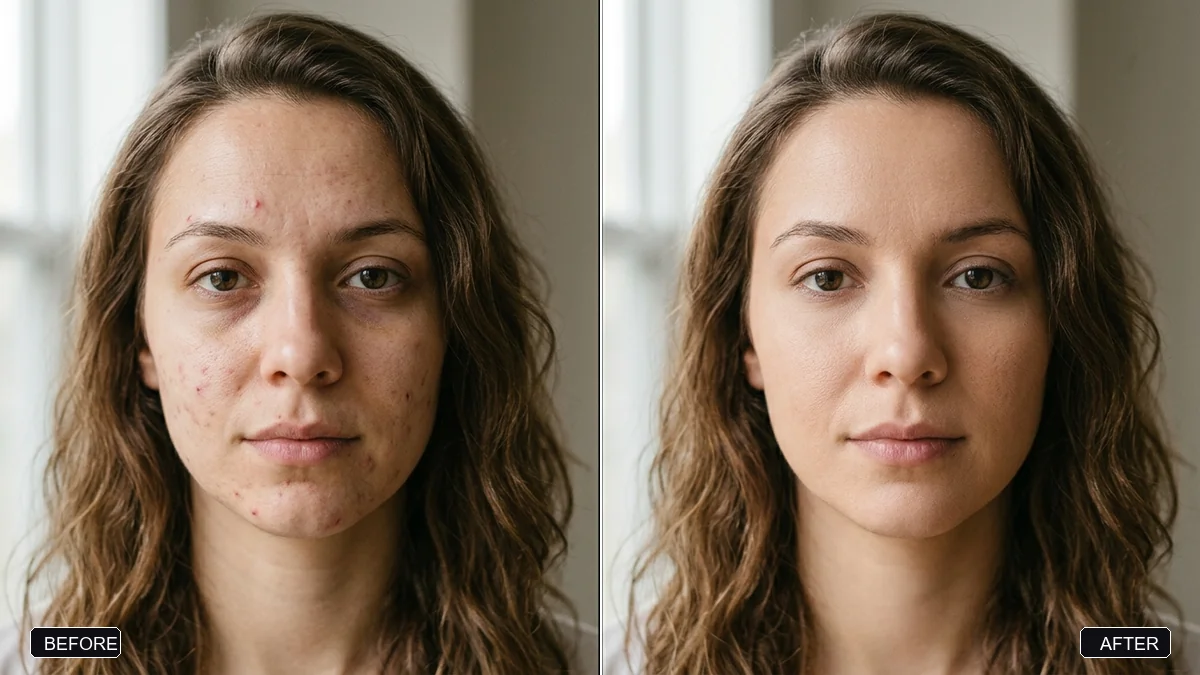 Photo editNatural skin retouch (no plastic look)Gemini · ChatGPT
Photo editFix a weird AI photo (hands, face, skin)Gemini · ChatGPT
VideoBring an old photo to lifeKling 3.0 · Veo 3.1
Photo editNatural skin retouch (no plastic look)Gemini · ChatGPT
Photo editFix a weird AI photo (hands, face, skin)Gemini · ChatGPT
VideoBring an old photo to lifeKling 3.0 · Veo 3.1
Frequently asked questions
Can AI restore a badly damaged photo?
It can repair scratches, creases, stains and missing areas and recover faded detail. For severe damage, expect to try more than once and check that faces still look like the original people.
How do I colourize (colorize) a black-and-white photo?
Upload it to Gemini or ChatGPT and use the colourize prompt. Tell the AI any colours you remember, such as "her saree was maroon with a gold border", for a more accurate result.
Explore more prompts
- Photo editing prompts
- Image generation prompts
- Video generation prompts
- Chat & writing prompts
- ChatGPT prompts
- Gemini prompts
- Veo prompts
- Kling prompts
- Claude prompts
- Seedance prompts
- Midjourney prompts
- Ideogram prompts
- 1980s retro photo prompts for Gemini & ChatGPT
- Viral AI photo trend prompts
- AI prompts for your job search
- AI product photo and ad prompts
- AI prompts for content creators
- How to write AI prompts